PURCHASE VERIFICATION REQUIRED
This digital music download portal is exclusive to verified purchasers. If you have completed payment, please use the direct link in your Stripe email receipt.
YOUR MUSIC IS READY
Thank you for supporting Nikki Symphoni and Clearing The Noise. Your high-resolution master audio is available below.
📱 Downloading on iPhone? View quick steps to save in Files app ↓
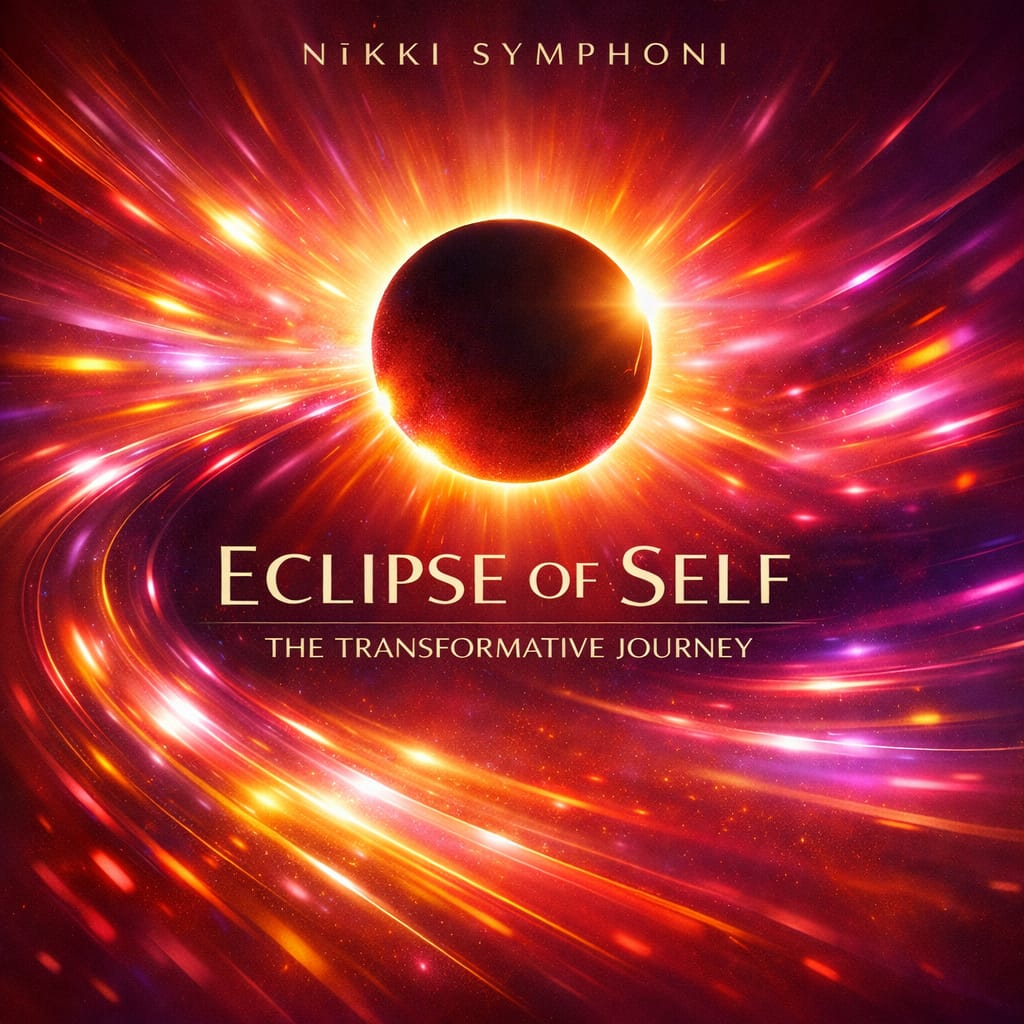
ECLIPSE OF SELF (FULL ALBUM .ZIP)
Complete 12-Track High-Res Album • 41 Min Full Runtime
iPhone Post-Download Instructions
Quick steps to save and locate your MP3 music files on iOS / iPhone:
Tap Download MP3 from your browser, then click Save or tap the download prompt.
Select Save to Files or the folder / location of your choice on your device.
Wait for the download to complete, then tap Save to Files, keep name (Save As), and click Save on the top right.
Go to the Files app on your phone. Your MP3 file will show right there, ready to play offline!